Overview
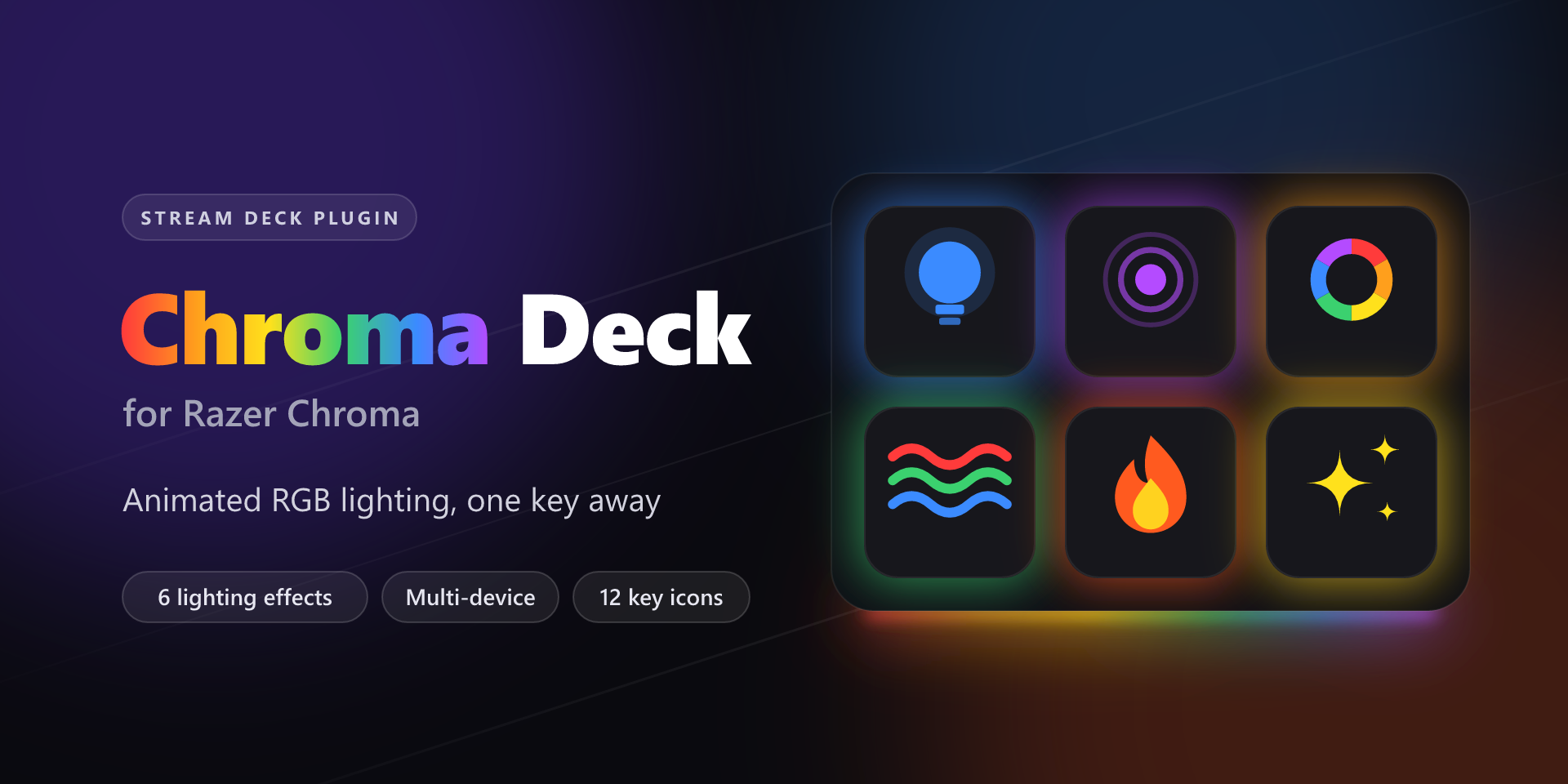
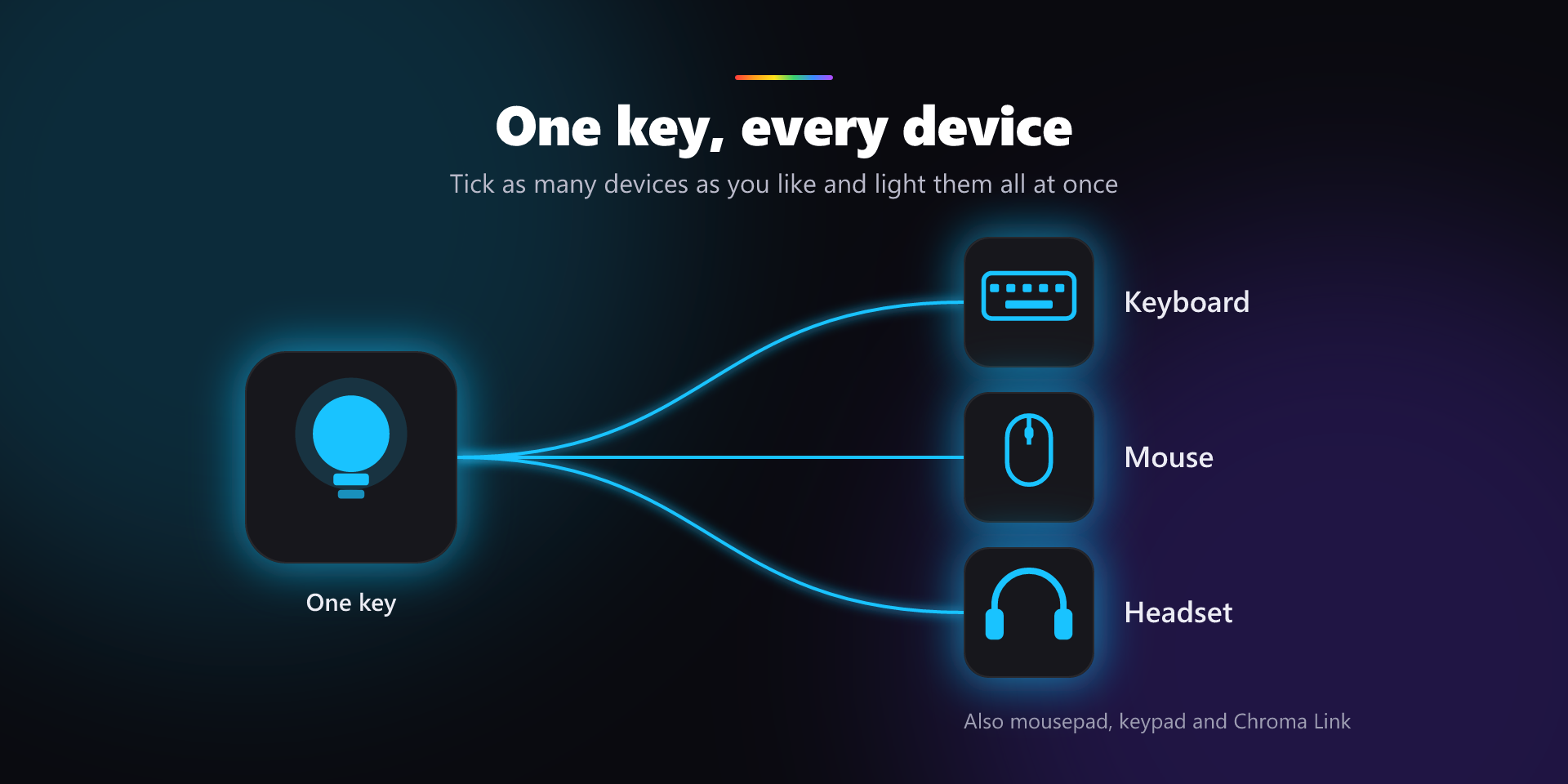
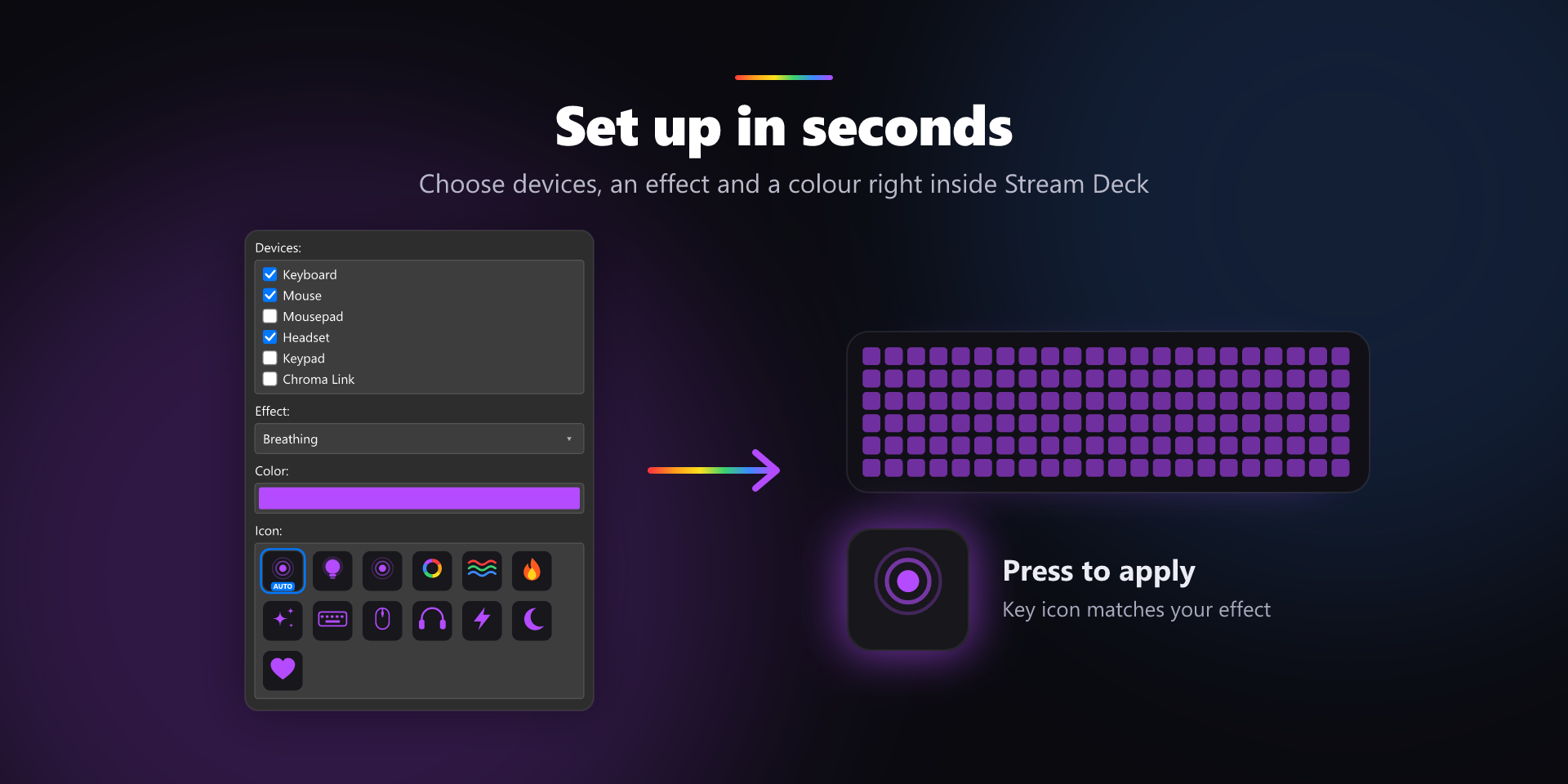
Chroma Deck puts your Razer Chroma lighting on your Stream Deck. Press a key to set your keyboard, mouse, mousepad, headset, keypad or Chroma Link to any colour, or to an animated effect: Breathing, Spectrum Cycling, Wave, Fire or Starlight. One key can light several devices at once.
Effects
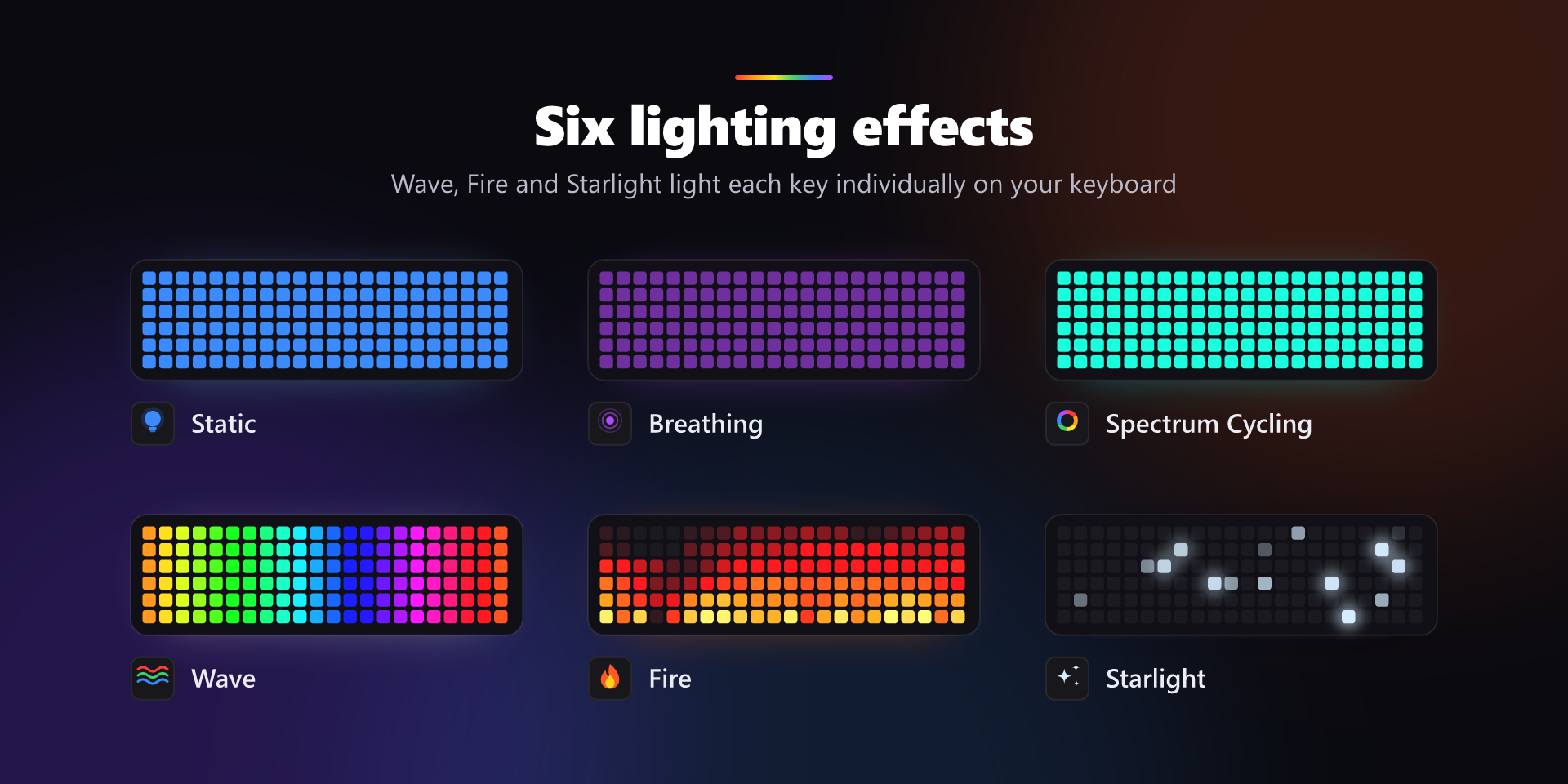
- Static — a single colour of your choice
- Breathing — your colour fading gently in and out
- Spectrum Cycling — a smooth cycle through every colour
- Wave — a rainbow sweeping across your keyboard
- Fire — flames rising up your keys
- Starlight — random keys twinkling and fading
- Wave, Fire and Starlight are drawn key by key on a Chroma keyboard. Other devices show a whole-device version of the same effect.
Actions
- Set Lighting — pick your devices, effect and colour, then press to apply
- Lights Off — switches off lighting on every connected device in one press
Also included
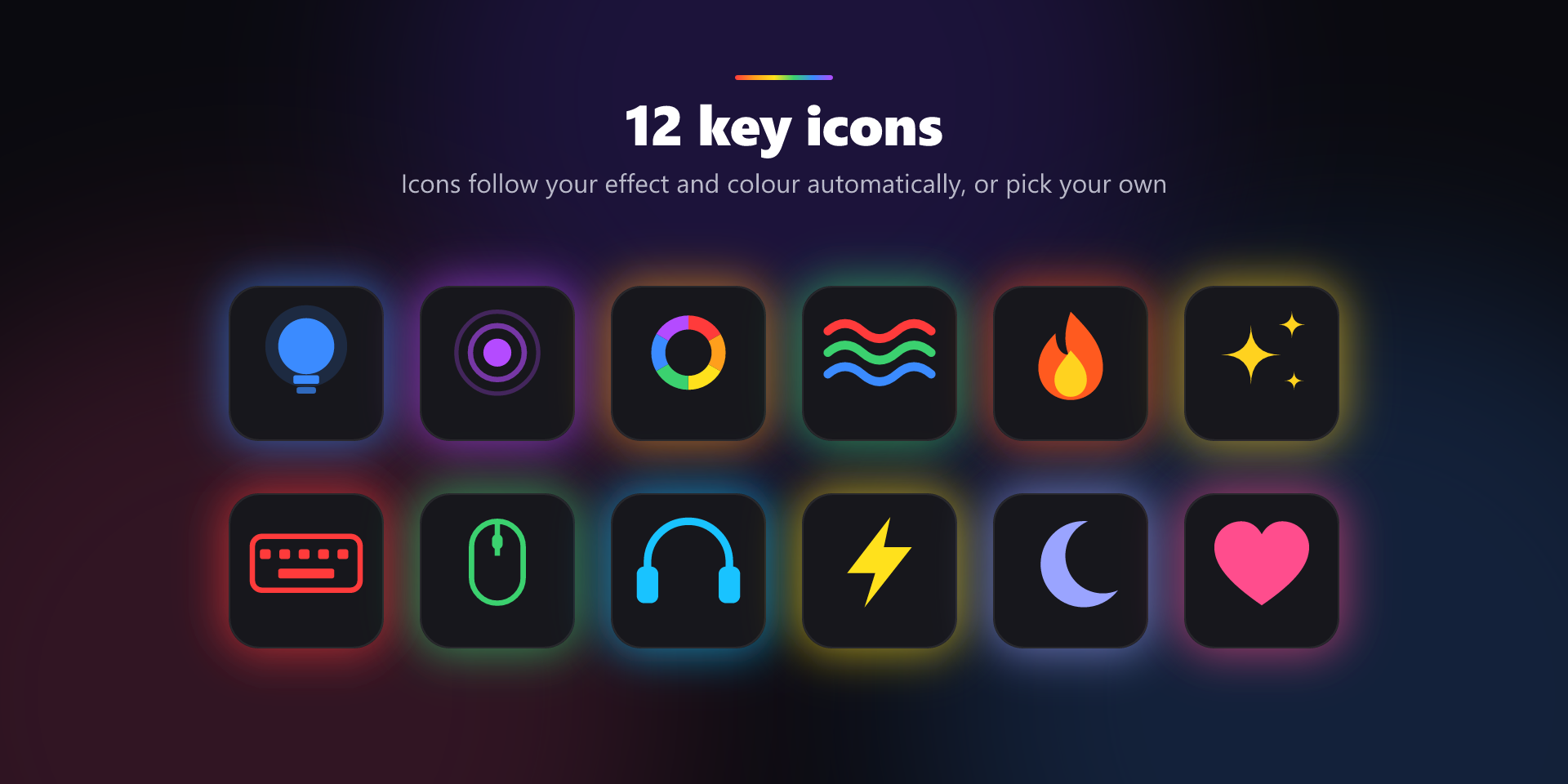
- 12 key icons that follow your effect and colour automatically, or choose your own
- Custom key titles
Requirements
- Windows 10 or later
- Razer Synapse installed with Chroma Connect enabled
- A Chroma-compatible Razer device
Good to know: while your PC is locked or asleep, Razer Synapse shows its own default lighting. Chroma Deck restores your effect when you log back in.
Not affiliated with or endorsed by Razer Inc. Razer and Chroma are trademarks of Razer Inc.
Details
Type
Lighting
OS
Windows
Compatibility
Stream Deck 7.1 or later
Size
Version
1.0
Language
English
Support
Profiles
No
Dial support
No