
Overview
Take full physical control of your online privacy with the NordVPN Smart Controller. Whether you are securing your connection before a stream, or quickly swapping regions to access global content, this plugin brings NordVPN’s most essential features right to your fingertips.
Built with real-time state synchronization, your Stream Deck will always know exactly what your VPN is doing—even if you use the NordVPN desktop app to make changes!
Key Features:
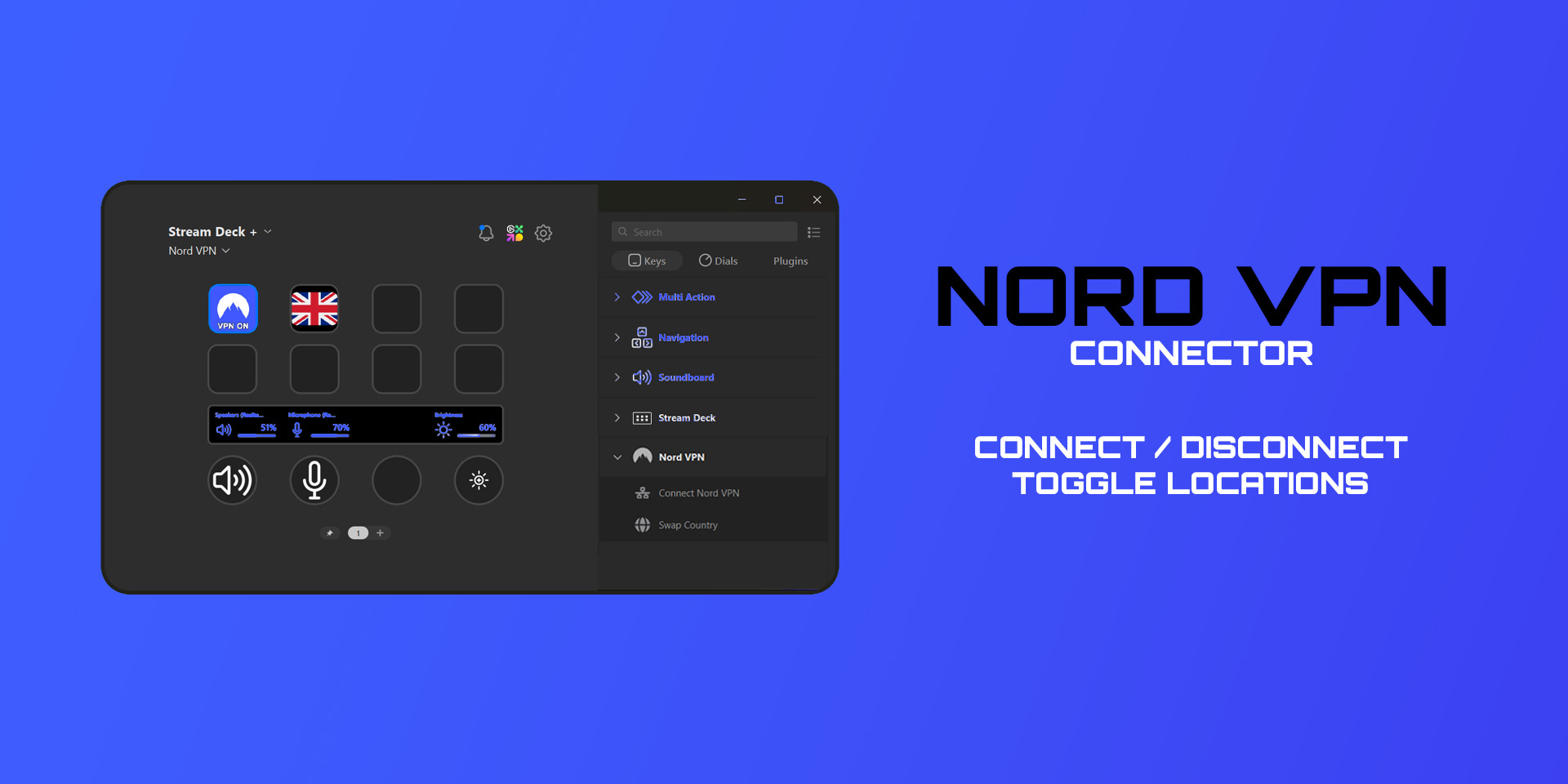
- Smart Power Toggle: Connect or disconnect from NordVPN with a single tap.
- Real-Time Status Sync: Bypasses basic hotkeys to check your actual network traffic. If your VPN drops or connects in the background, your Stream Deck button updates its icon automatically.
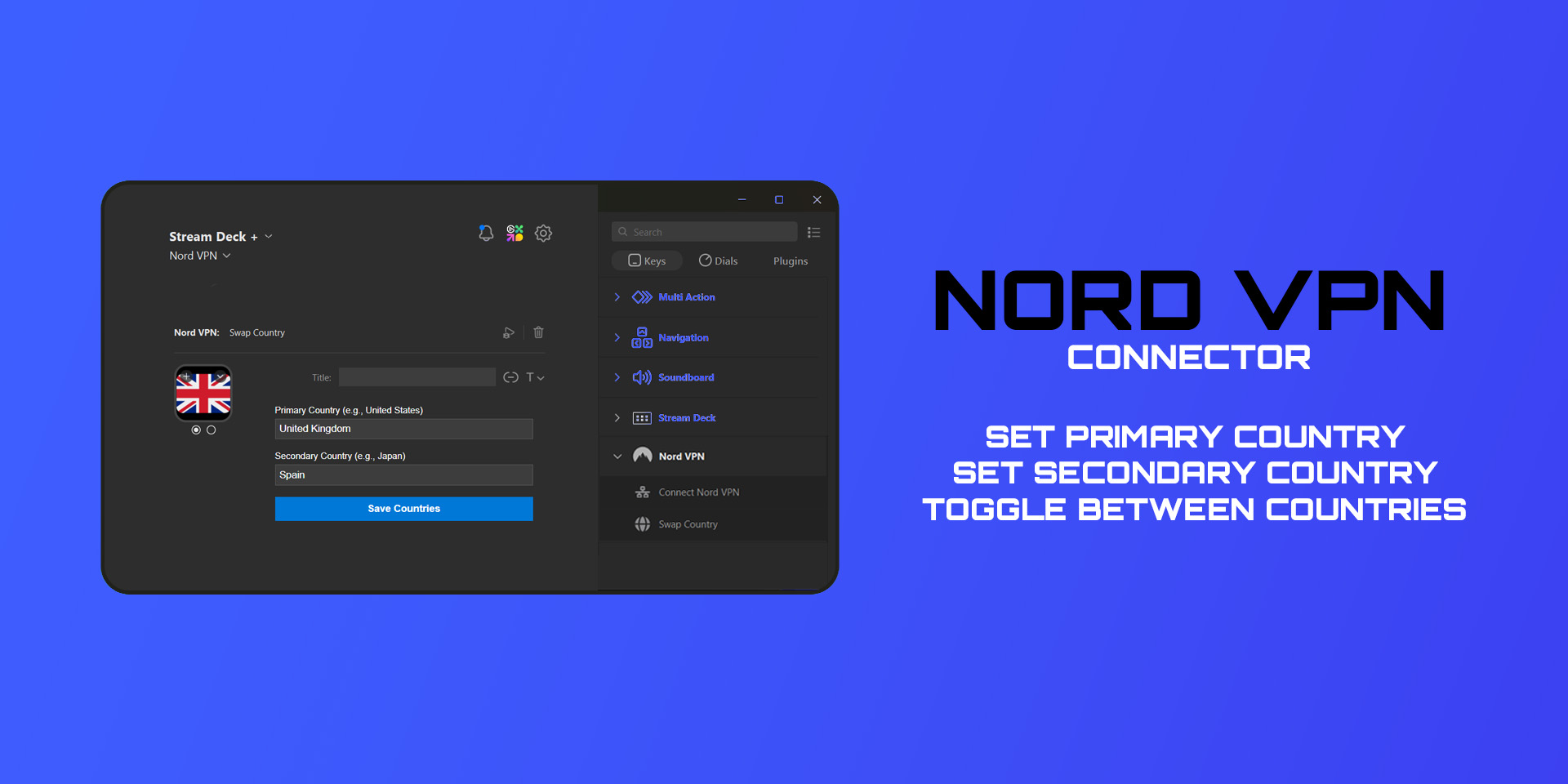
- Quick Country Swap: Create a custom “Swap” button in the property inspector. Set a Primary and Secondary country (e.g., United States and Japan), and instantly route your traffic between them with one press.
- Dynamic Visual Feedback: Never guess your security status. Button icons and text dynamically update to show Connecting, Swapping, VPN ON, VPN OFF, and your active country region.
Requirements:
- Windows 10/11
- The official NordVPN desktop application installed and logged in.
- Note: This plugin utilizes NordVPN’s command-line interface and official web API for seamless background integration.
*** Setup Instructions (For the user):
- Drag the Toggle VPN action onto an empty key to control your main connection.
- Drag the Swap Country action onto a key, and use the Stream Deck property inspector at the bottom of the screen to type in your preferred Primary and Secondary countries
- Press to connect!Steamdeck plugin to connect to Nord VPN
Pro-Tip for Country Swapping: For the ultimate visual experience, we highly recommend downloading a Country Flags Icon Pack (there are several excellent, free options available right here on the Elgato Marketplace). By assigning flag icons to State 0 (Primary Country) and State 1 (Secondary Country) on your Swap button, you can instantly see which region your VPN is currently routed through!